Start with the service
We describe what a user can do before discussing system mechanics.
A practical map of digital services
Twenty platforms are often described through technical labels. This guide starts somewhere more useful: the task a person opens each product to complete.
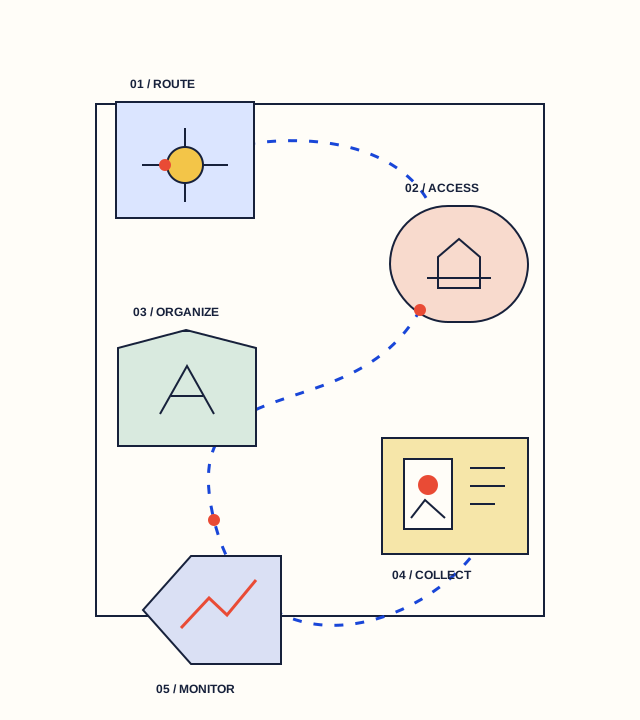
Five service stories
Move through the chapters in order, or jump to the service you care about. Every profile describes the job, the basic flow, and the product’s place in the wider stack.
Project index
No matching project found.
Service comparison
Choose any pair to compare their primary task, typical operating flow, and service dependencies. The comparison is descriptive rather than ranked.
How to read this guide
We describe what a user can do before discussing system mechanics.
Each profile traces the information, resources, or requests involved at a high level.
Useful infrastructure can still involve software, availability, integration, and third-party dependencies.
Important context
This independent publication explains software categories for general education. It does not rank providers, accept placement fees, or send visitors to third-party services. Information may change as products evolve.